


Equipment without a sensor can be included too
Particle counters, oxygen monitors, cell production equipment and cooling systems each have their own alarm and their own log. If they have an analogue output signal, they can be read into the same system as everything else.
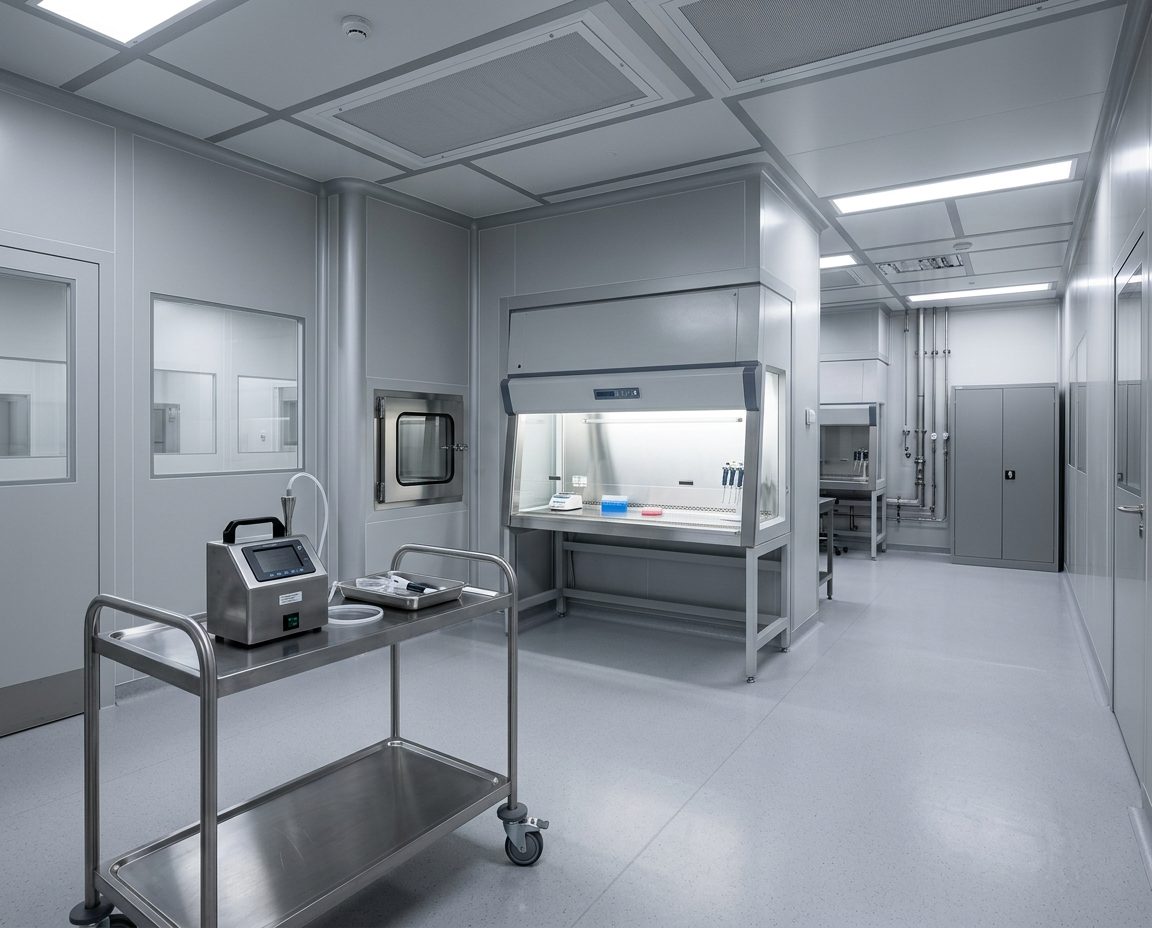
How do you connect third-party equipment to a monitoring system?
Through the equipment's analogue output signal. Most laboratory and process instruments can output a signal that represents their measured value or their operating status. A universal sensor reads the signal and converts it into a measurement in OCEAView on a par with temperature and humidity.
The three common signal types are 4-20 mA, which is the industry standard, 0-5 V and 0-10 V. In addition there is dry contact, which is not a measured value but a simple on or off, typically used for alarm outputs, doors and emergency power.
Whether your particular equipment has a usable output is determined by its data sheet. We check this when we visit.
Ten instruments with ten logs is not documentation
A laboratory rarely has only refrigerators. There is also a particle counter, an oxygen monitor, cell production equipment and a cooling system, and each of them has its own screen, its own alarm and perhaps its own log.
That works fine for each one on its own. It does not work when QA asks to see a week across all of it, or when you need to find out whether a drop in one was linked to a fault in another.
Read into the same system, they sit on the same curve, trigger the same escalation and are included in the same report.
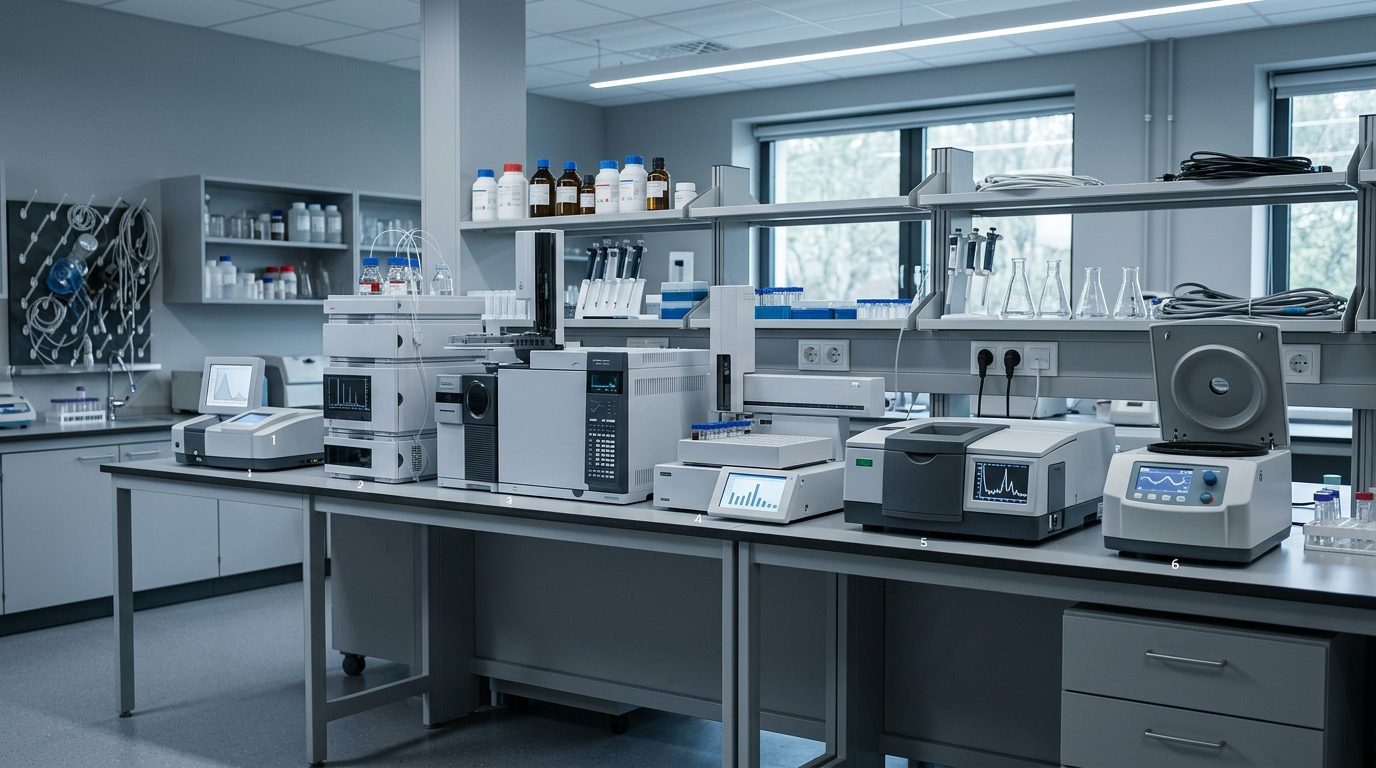
What we can connect

4-20 mA
The industry standard. A current signal between 4 and 20 milliamps, where the value corresponds to the measuring range.

0-5 V and 0-10 V
A voltage signal instead of current. Same principle, and the same sensor reads both.

Dry contact
A simple on or off. Used for door opening, emergency power, air conditioning and alarm outputs on freezers.

Cell production equipment
Closed systems such as CliniMACS Prodigy are read via their analogue output.

Particle counters and oxygen monitors
The measured value goes into the same dashboard as pressure, temperature and humidity.

Third-party Pt100
Existing Pt100 sensors are typically connected via the Universal Smart-Sensor, otherwise via the Smart-Sensor Binder or an Omega adapter.
OCEAView from DICKSON, set up and looked after by us
The hardware is DICKSON's. The software is DICKSON's. Everything between the equipment and your day-to-day work is ours. And once the system is in place, it is yours. You buy it, you own it, and no leasing agreement decides when you can switch, expand or stop. We take care of maintenance so it keeps running.
OCEAView
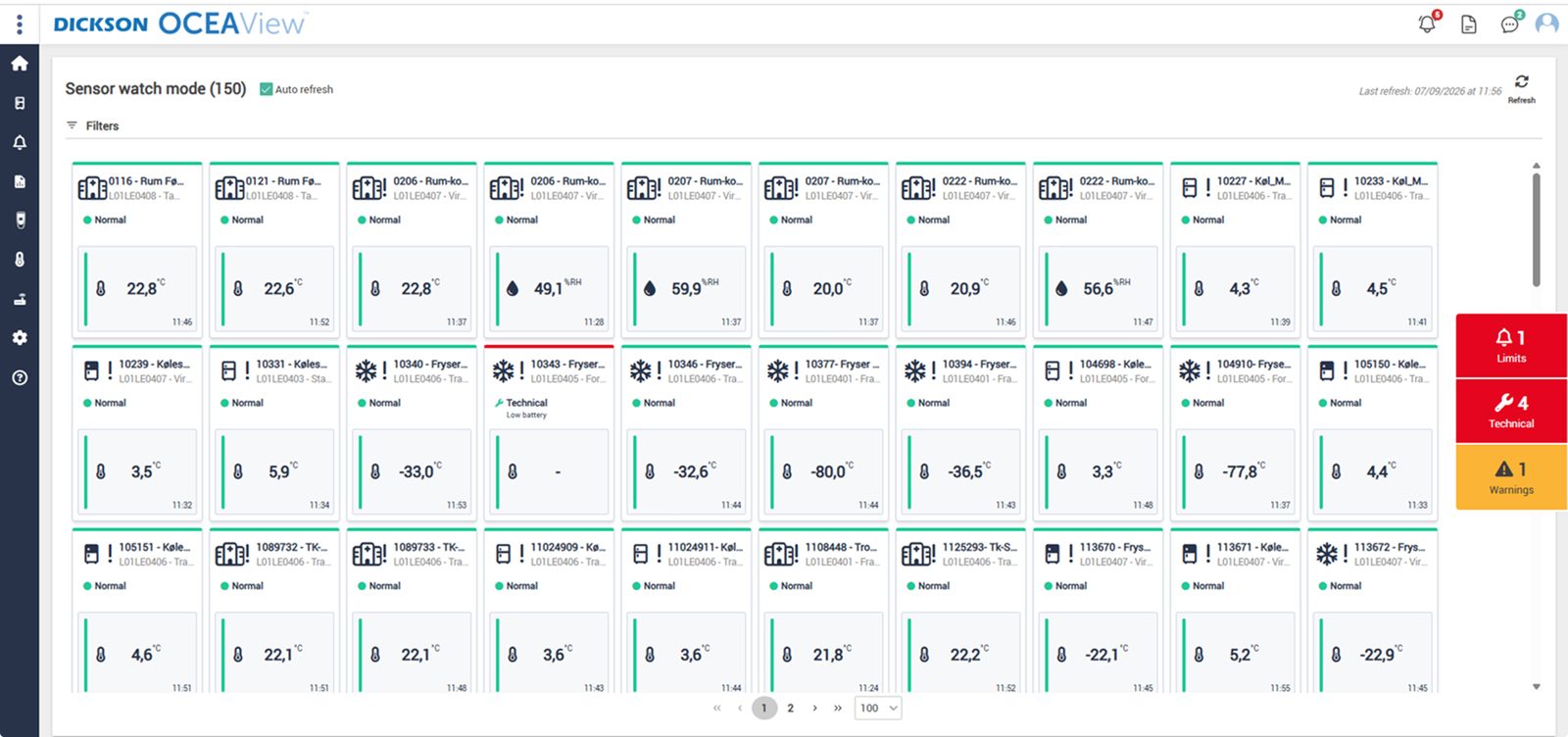
The whole setup on one screen. Watch mode gives a combined status overview of the equipment you have access to, with up to 100 units per page, and every graph can be zoomed down to the individual minute. Plan View also places the points on your own floor plan, so the person on call can see which room it concerns.

Audit trail that cannot be altered
Every reading, alarm and acknowledgement with timestamp and user. That is what an auditor asks for.

One-click reports
Choose a period and pull the report as PDF or CSV. Ready before anyone asks.
Cloud or your own servers
On-premises runs at your site with LDAP, and you control updates yourselves, so the qualification holds.
DICKSON
The manufacturer
Builds data loggers, sensors and OCEAView. French and American production, its own accredited calibration laboratories and CE, FCC and IC approved equipment.
Djurhuus IT
Distributor since 2018
We advise on placement, design the setup, install, set up alarms and on-call rotas, train your staff on the system and manage calibration afterwards.
You
Owner of the system
The system is yours. You set limits, response times and requirements according to your own SOPs. We supply the system and the documentation, carry out the validation, on our own or in close cooperation with you, and maintain it afterwards.
Frequently asked questions
How do we know whether our equipment can be connected?
It is in the equipment's data sheet under outputs. If it can send 4-20 mA, 0-5 V or 0-10 V, or has a dry contact output, it can be read. We check this when we visit.
What actually is 4-20 mA?
A current signal where 4 milliamps corresponds to the bottom of the measuring range and 20 to the top. The advantage is that 0 milliamps means a broken cable, not zero, so a lost connection can be told apart from a low reading.
Can we reuse our existing Pt100 sensors?
Often yes, typically via the Universal Smart-Sensor, otherwise via the Smart-Sensor Binder or an Omega adapter for Cobalt X. Whether the accuracy can be documented does, however, depend on whether the sensors have a valid calibration certificate.
Can we see third-party data on the same curve as the temperature?
Yes. Once the signal has been read in, it is treated like any other measuring point, with its own limits, its own delay and its own place in the report.
Does the equipment need to be connected to the network?
No. The universal sensor connects directly to the output and passes the data on via the data logger over LoRaWAN. The equipment does not need to be online itself.
Does it replace the equipment's own alarm?
No. The equipment's alarm stays in place. The system makes sure the alarm also reaches people outside the room and that the readings are stored somewhere you can document from.
De bruger os allerede








Kom hurtigt i kontakt med den rette specialist.
Vi hjælper med alt fra nye monitoreringsløsninger til kalibrering, validering og teknisk support.
Generelle henvendelser

Nye projekter
IT & teknik
Administration
Besøg os
Måløv Byvej 229
2760 Måløv
Ring til os
+45 72 22 02 05
Man-fre, 08-16
Fortæl os, hvad du har brug for.
Vil du se, hvordan det ser ud hos jer?
Book en gennemgang. Vi kommer forbi, ser på udstyr og lokaler og rådgiver om, hvor følerne skal sidde. Derefter får du et skræddersyet forslag. Uden forpligtelser.
Book en gennemgang