


OCEAView
The software that brings every measuring point onto one screen, calls when something deviates, and stores the documentation in a log that cannot be altered.
What is OCEAView?
OCEAView is the platform the data loggers send to. It shows every measuring point live, compares the readings with the limits you have set, and triggers the alarm when a limit has been exceeded for longer than the agreed time.
It comes in two editions. Cloud, where we and DICKSON handle operation and updates, and On-Premises, where the software runs on your own servers with your own user management via LDAP, and where you decide when to update.
Choosing between the two is rarely about features, because they are the same. It is about who should control operation and updates.
Plan View
The measuring points are placed on a floor plan of your premises, so status can be seen in relation to the physical room instead of as a list.
It sounds like a detail. It is not, when someone on call at two in the morning has to work out which refrigerator it is.
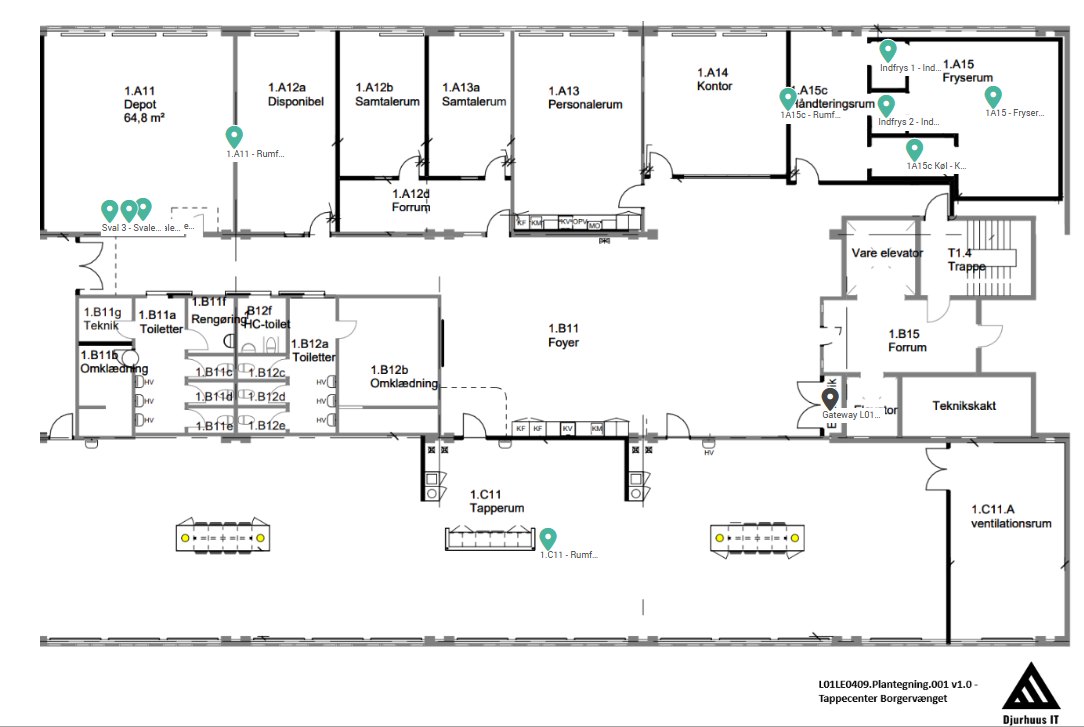
What the platform does

Live overview
Every measuring point on one screen, with floor plan and status. Also on mobile via Dickson360.

Alarms
Three levels up and three down, each with its own delay. Calls, SMS and email, with escalation.

Audit trail
Readings, alarms, acknowledgements and user actions, stored so they cannot be altered.

Reports
Choose a period and export the report as PDF or CSV. It can also be scheduled to arrive automatically.

Calibration overview
Which sensors are due for calibration, based on the intervals you have defined, and the certificate for each individual sensor.

User management
Named users with role-based permissions. On-premises supports LDAP.
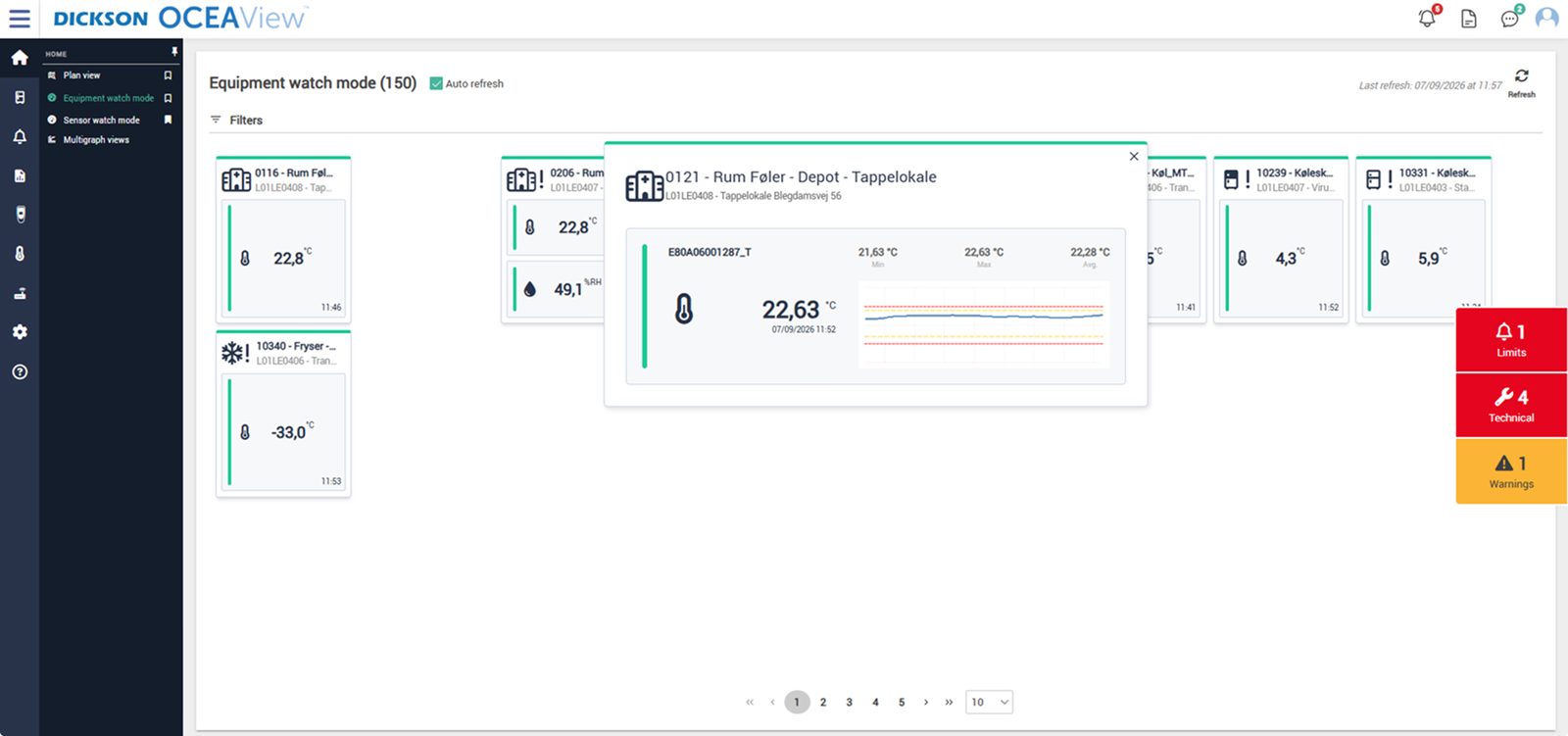
Every measuring point live
Green is normal, red is a deviation.
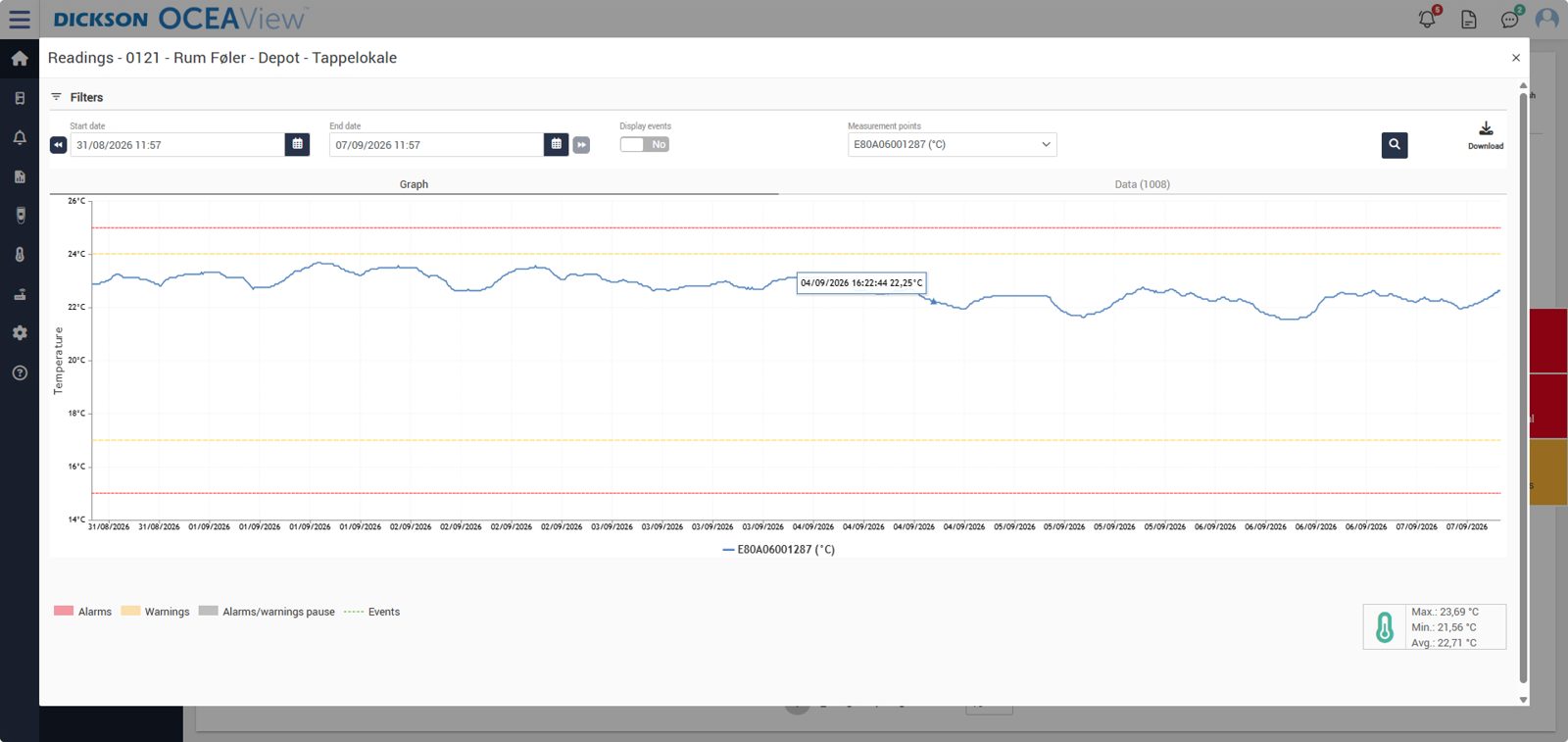
Limits drawn into the graph
Yellow lines are warnings, red lines are alarms.
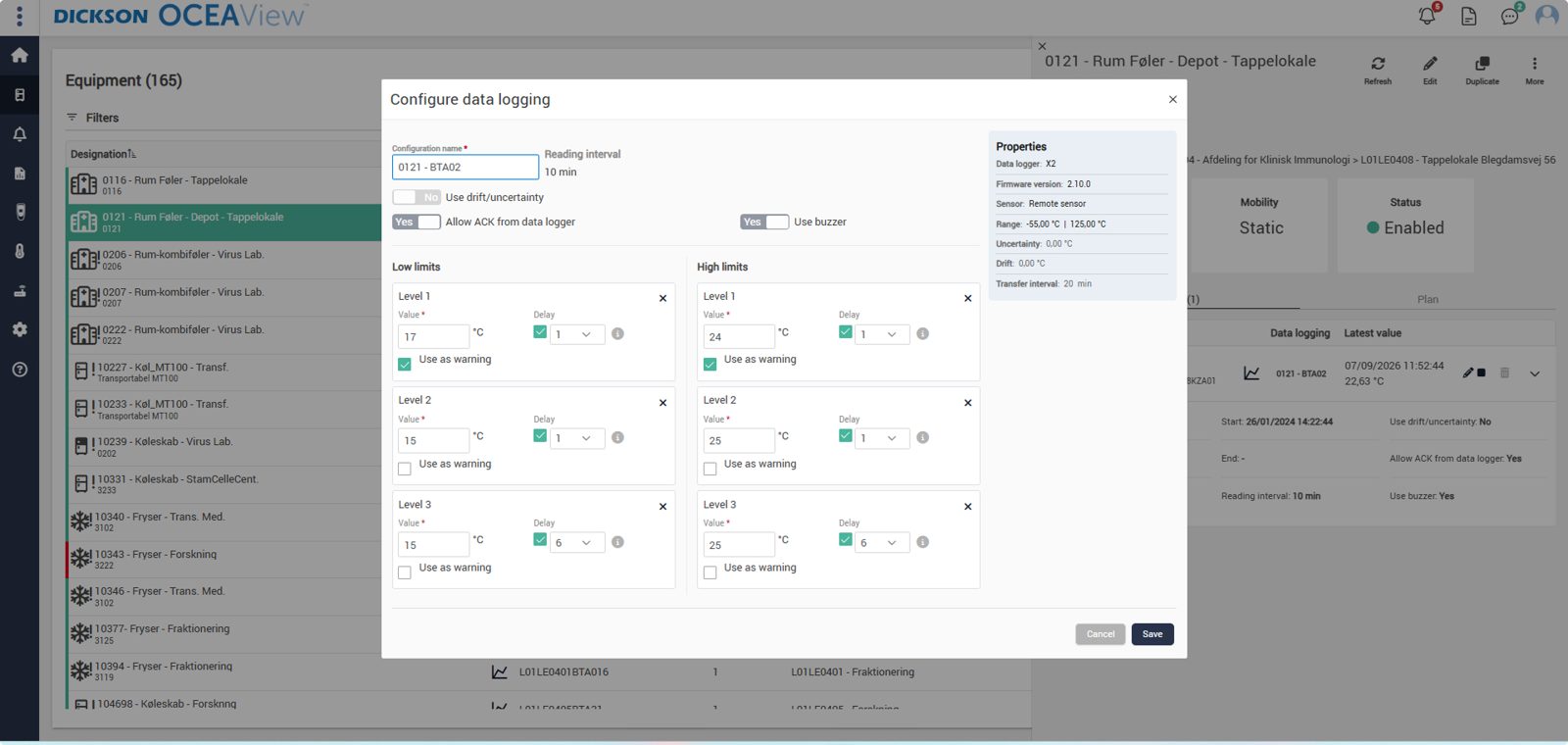
Three levels up and three down
Each limit can have its own delay.
Cloud or on-premises?
The features are the same. Cloud means operation, backup and updates sit with the supplier, and that must be stated in the supplier agreement. On-premises means the software runs on your servers, user management goes through your LDAP, and you decide when to update, so a qualification is not invalidated by an update you have not approved. Both can meet Annex 11.
Read about EU GMP Annex 11 →Why OCEAView holds up in practice
There are many monitoring platforms. What sets them apart rarely shows in a demo, but in daily operation.

Built for regulated environments
- An audit trail that cannot be altered, and that is there from day one rather than as an add-on
- Electronic signatures and named user management, also via LDAP
- Calibration data follows each individual sensor, so the certificate never gets separated from the measurement
- Reports that can be read without explanation, as PDF or CSV

Built for operation
- Escalation that keeps going until someone acknowledges, not an email that disappears
- Technical alarms for lost communication, sensor faults and gateway, so a silent point is detected
- Local memory in the logger, so a network outage does not leave a gap in the curve
- Plan View, so someone on call can see which room it is about, not just which serial number
The equipment that sends to OCEAView
The software is only as good as the readings it receives. These are the devices that deliver them.
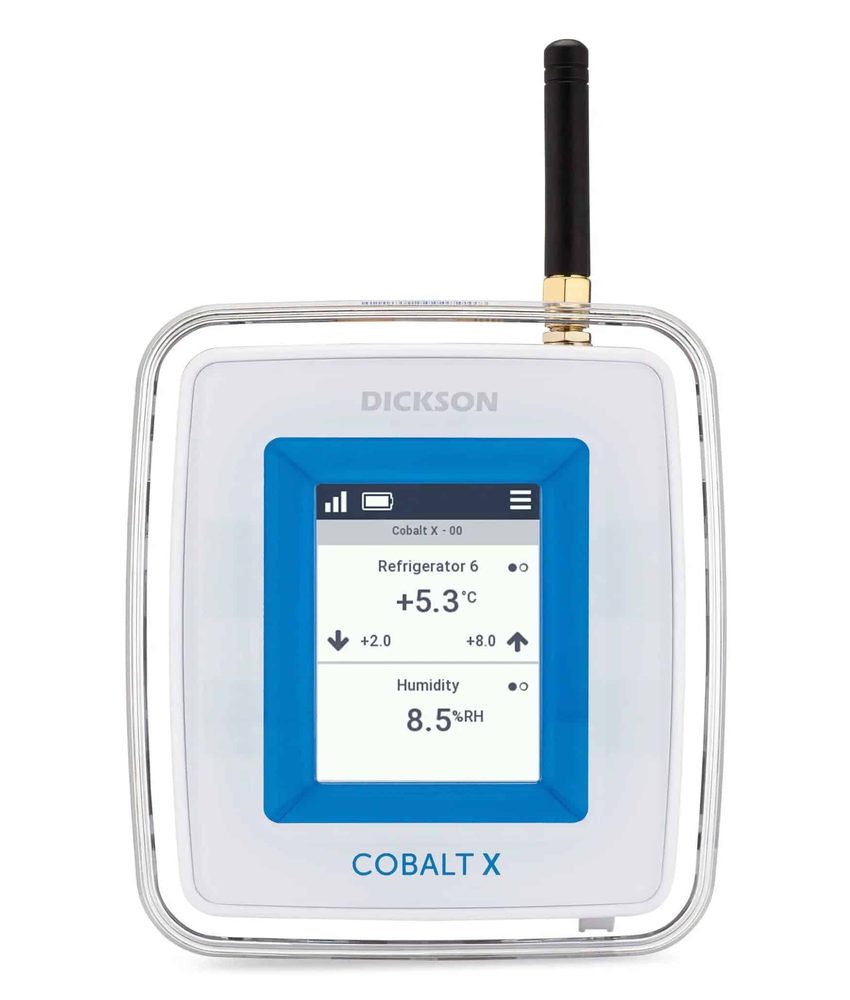
Cobalt X
Up to 4 measuring points
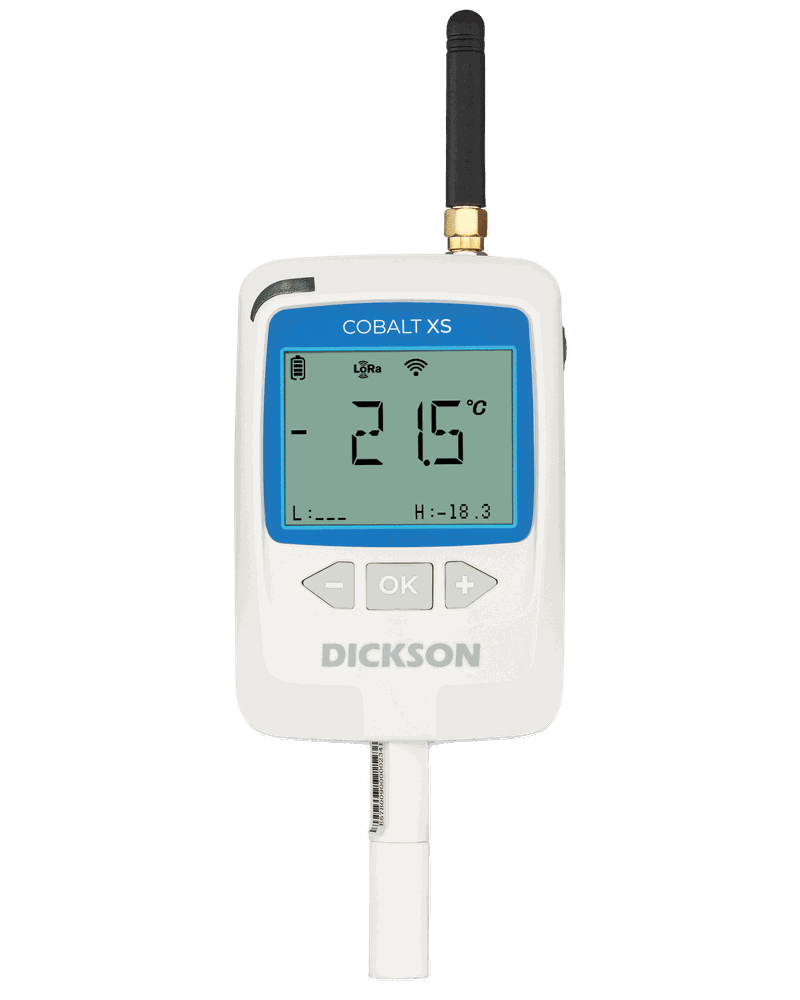
Cobalt XS
1 to 2 measuring points
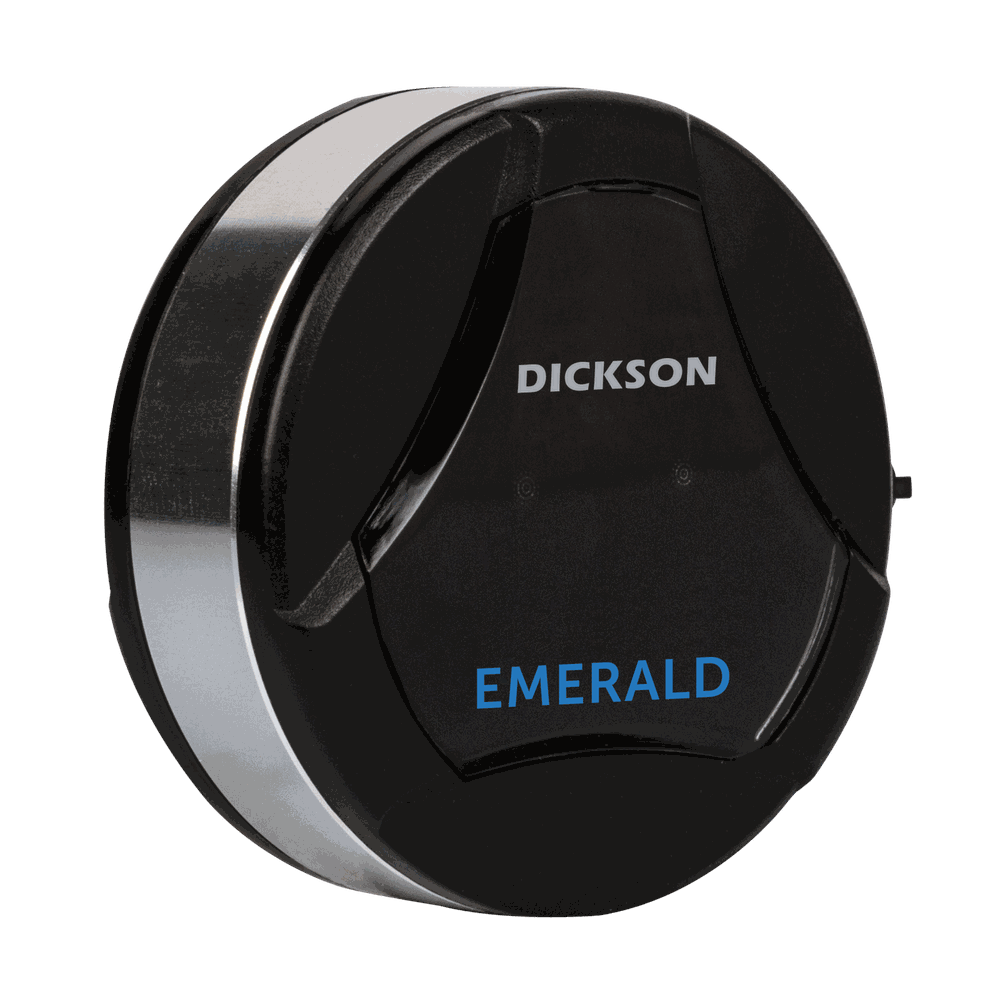
Emerald, internal sensor
Bluetooth sensor
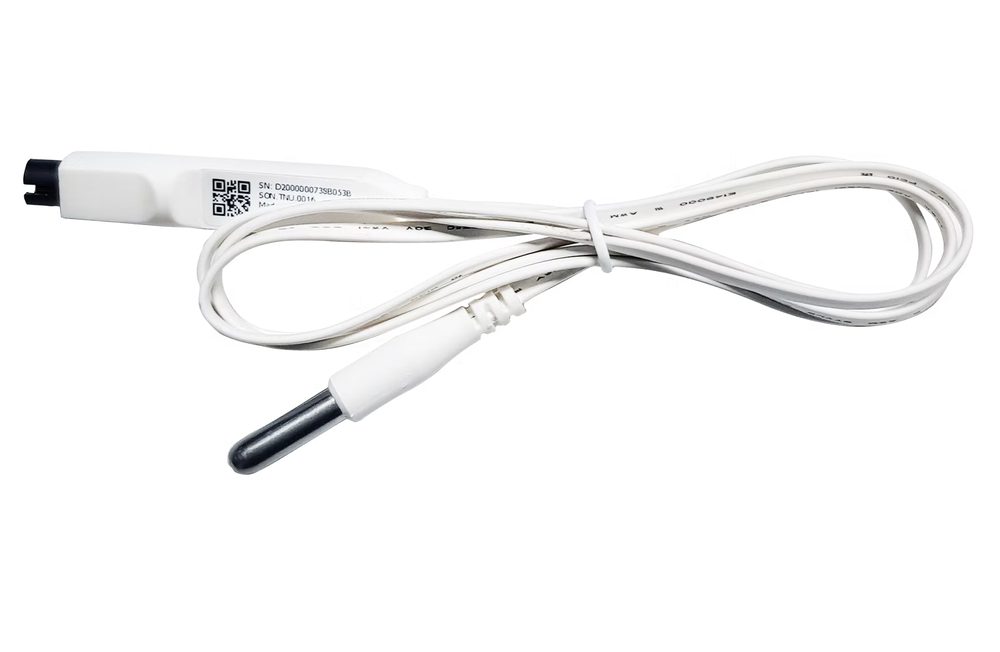
Smart DS
Refrigerator sensor
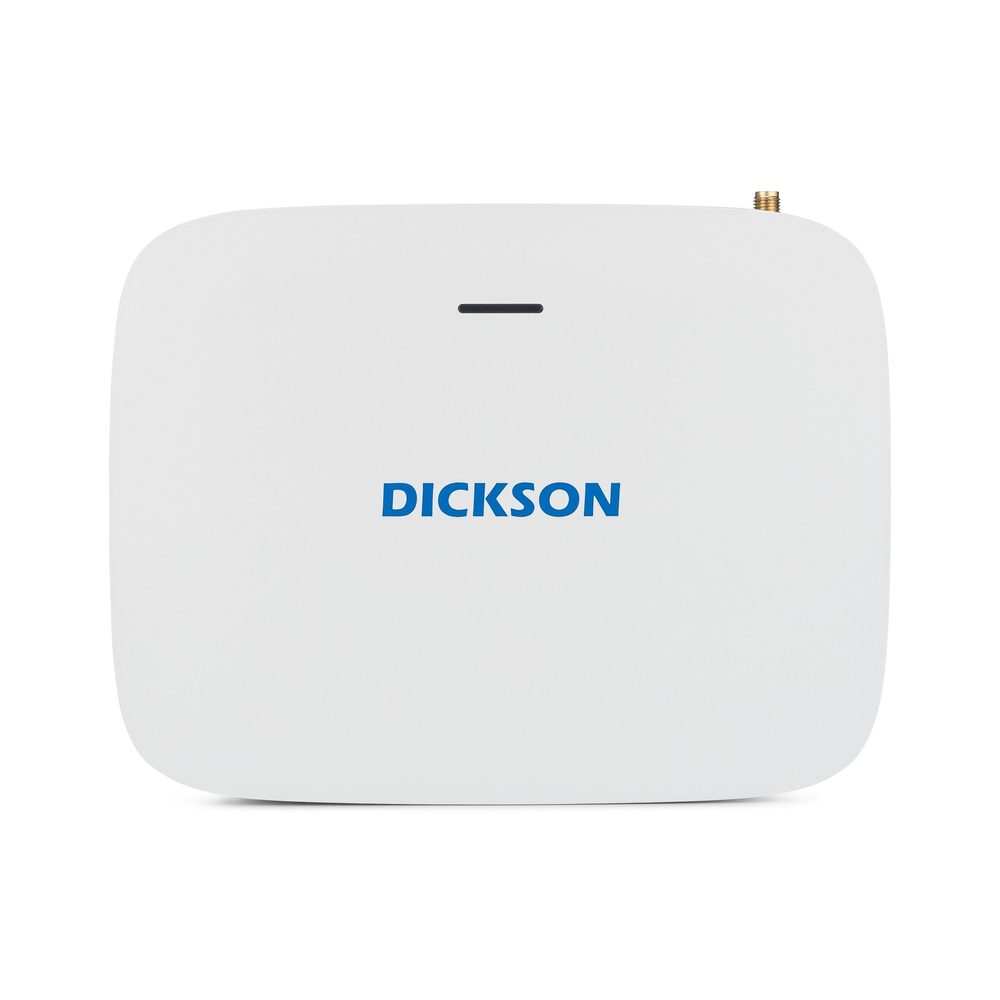
Connect Gateway
Up to 50 loggers
Why us rather than another distributor
The software can be bought in several places. The difference lies in who sets it up and looks after it afterwards.
We visit first
The setup is decided by what is actually in your rooms. That cannot be settled over the phone, which is why everything starts with an on-site walkthrough.
The same people all the way
The person who was at the walkthrough is the person you reach when something comes up. Seven people in Måløv, no ticket queue and no support line in another country.
We set up the alarms together with you
Limits, delays and on-call rotas are what decide whether the system works in practice. They are also the cause of most misconfigurations, and we do not leave you to handle it alone.
Calibration is our responsibility
We manage the intervals, send freshly calibrated sensors and make sure the certificates are in the system. You do not have to keep track in a spreadsheet.
We tell you what we do not do
We deliver the system, the documentation and the validation. You define the scope based on your SOPs, and we carry out the work alone or together with your QA.
Frequently asked questions
Is it priced per user?
No. The licence follows the number of measuring points, and the number of users is unlimited.
Can we see it on our phones?
Yes, via Dickson360 for iOS and Android. Same dashboard and same alarms.
Where is our data stored in the cloud edition?
The cloud servers are hosted by AWS (Amazon). We confirm the specific location in the quote, because it matters for your data processing agreement.
Can we switch from cloud to on-premises later?
It can be done, but it is a project. We recommend making the choice from the start.
Does it support electronic signatures?
Yes. Whether your overall setup meets Annex 11 or 21 CFR Part 11 is determined in the validation, which we carry out together with you.
De bruger os allerede








Kom hurtigt i kontakt med den rette specialist.
Vi hjælper med alt fra nye monitoreringsløsninger til kalibrering, validering og teknisk support.
Generelle henvendelser

Nye projekter
IT & teknik
Administration
Besøg os
Måløv Byvej 229
2760 Måløv
Ring til os
+45 72 22 02 05
Man-fre, 08-16
Fortæl os, hvad du har brug for.
Vil du se, hvordan det ser ud hos jer?
Book en gennemgang. Vi kommer forbi, ser på udstyr og lokaler og rådgiver om, hvor følerne skal sidde. Derefter får du et skræddersyet forslag. Uden forpligtelser.
Book en gennemgang