


Monitoring of differential pressure in cleanrooms
The pressure difference between zones is what keeps particles out. It has to be measured continuously, alarmed on deviation and documented, without anyone breaking through a wall to run cables.
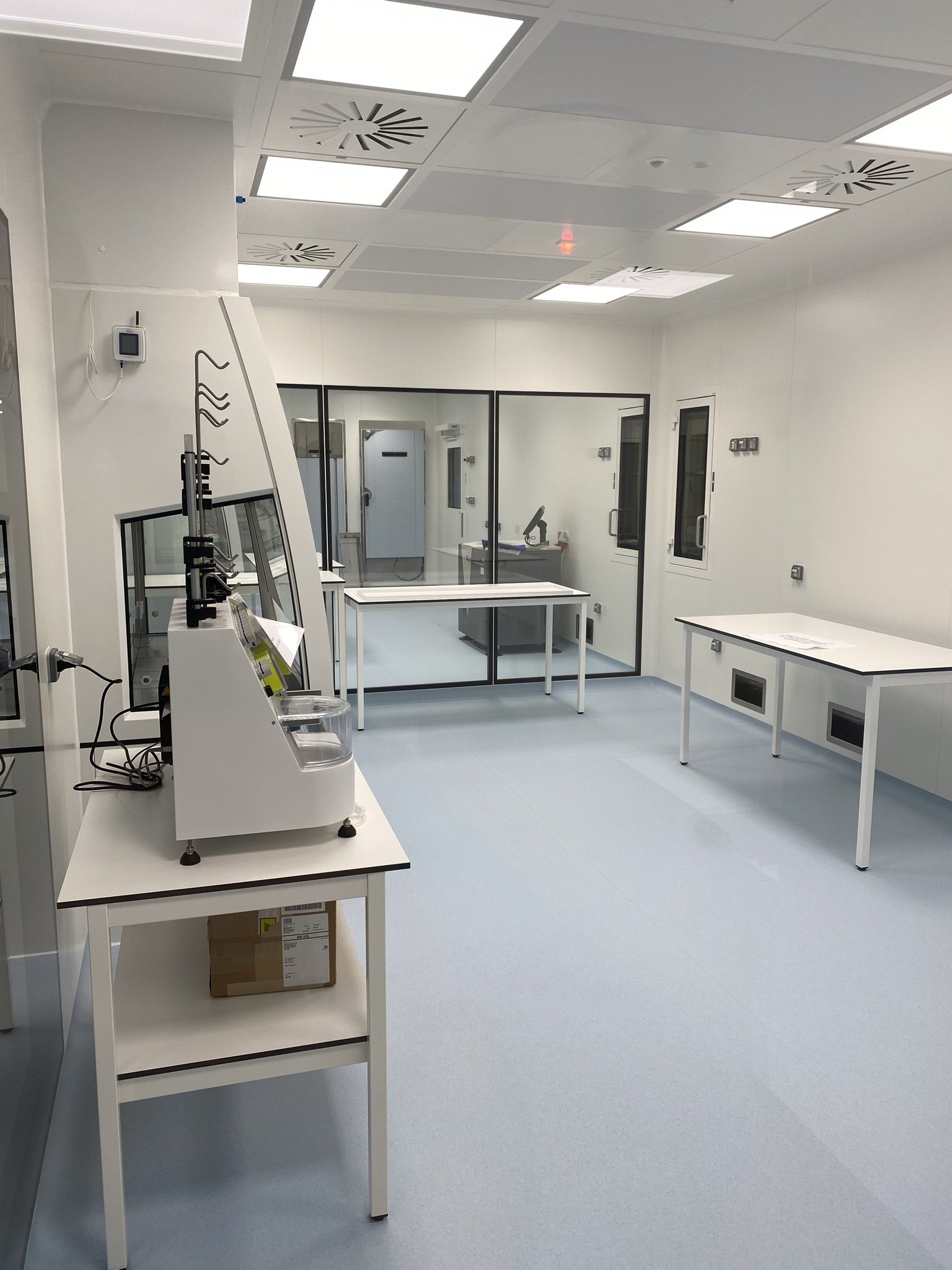
Why do you measure differential pressure in a cleanroom?
Because air moves from high to low pressure. If a cleanroom is kept at a higher pressure than the corridor outside, air flows out through gaps and doors instead of in, and particles are kept out. If the pressure difference drops, the flow reverses and the protection disappears.
That is why the pressure difference is measured between each zone, typically as a cascade through several rooms and airlocks. A dual differential pressure sensor measures two zones at the same time, so a whole cascade can be followed with fewer units.
Limits and acceptance criteria are set according to your own qualification. We advise on placement and setup.
An airlock in use looks like a deviation
When someone opens a door, the pressure difference drops immediately. That is normal, and it corrects itself within a few seconds.
Without a delay on the alarm limit, the system alarms every time someone passes through the airlock. After two weeks people switch the alarm off or stop reacting to it, and then the system is effectively out of service.
The solution is not a higher limit. It is a delay per level, so a normal passage does not trigger an alarm, while a genuine loss of pressure does.
Why your alarm is not working →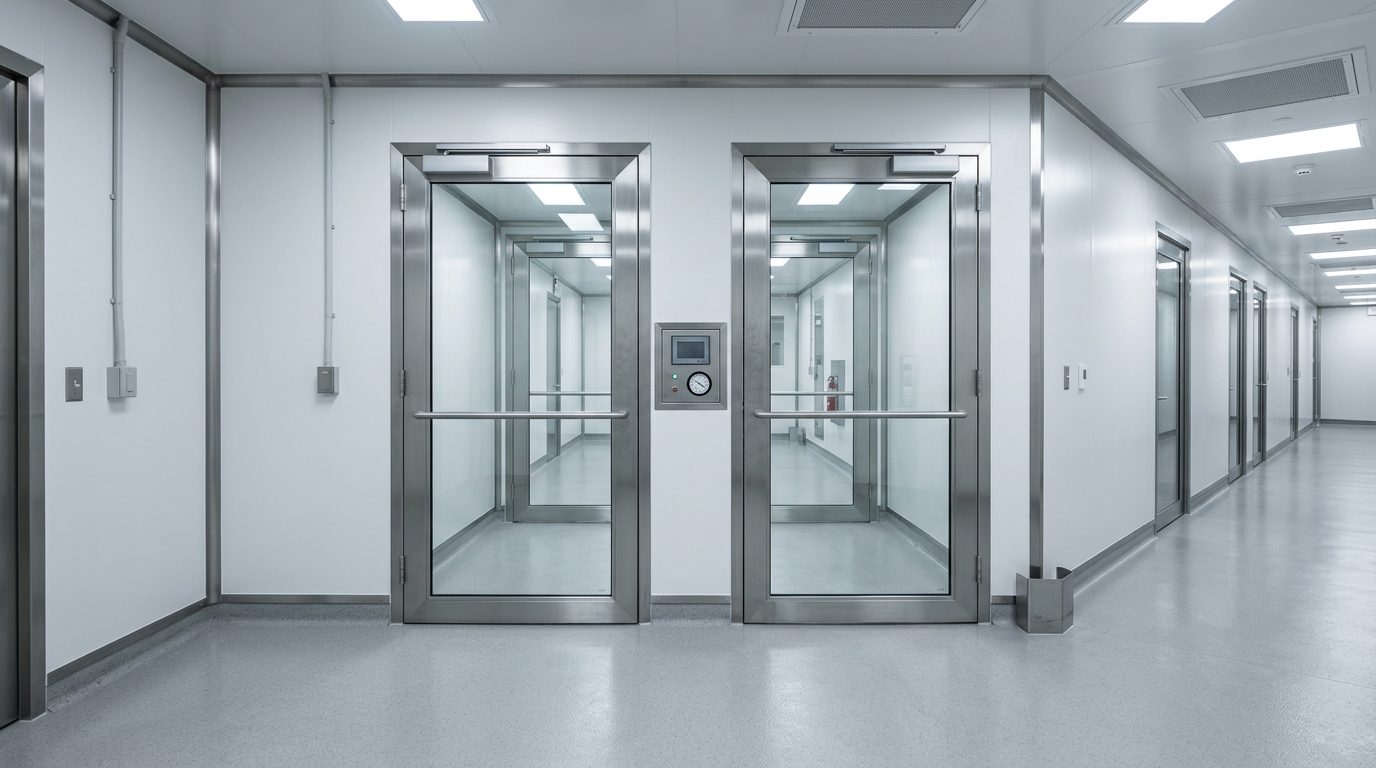
What we monitor in the cleanroom
Pressure, temperature and humidity in the same system, so the whole zone is documented together.

Pressure cascades
The pressure difference between several zones at once. Two channels per sensor, so a cascade can be followed with fewer units.
Dual Differential Pressure Smart-SensorRead about cleanrooms and differential pressure →
Single zones and airlocks
The pressure difference between two rooms, for example a cleanroom and a corridor.
Single Differential Pressure Smart-Sensor
Temperature and humidity
Both affect product and staff alike, and are typically part of the same qualification as the pressure.
Temperature and humidity sensor
Isolators and LAF benches
Local pressure zones inside the room, where the requirements are often stricter than in the cleanroom itself.
Differential pressure Smart-Sensor
Ventilation and HVAC
The system's operating status via 4-20 mA or dry contact, so a technical fault shows up as the cause.
Universal Smart-SensorRead about third-party equipment →
Alarm to the technical department
LoRa Alert Relay lets OCEAView trigger a siren or lamp of your own choosing.
LoRa Alert RelayRead about alarms →Compliance for pharma and hospitals, explained in plain language
The rules rarely say "buy a monitoring system". They say that conditions must be under control and documented. Here is what that means in practice.
GMP
Good Manufacturing Practice
Requires that the conditions affecting product quality are under control. In practice: round-the-clock measurement, alarms on deviation and a log you can show.
Applies to production and QCGDP
Good Distribution Practice
Requires that medicines are stored and transported within their temperature window. Mapping documents that the whole room holds, not just the middle.
Applies to warehouses and transportEU GMP Annex 11
Computerised systems
Requires that the system is validated, that data cannot be changed without a trace, and that access is controlled. We carry out the validation, on our own or together with your QA.
Applies to the software itself21 CFR Part 11
Electronic records
US requirement for electronic signatures and audit trail. Relevant if you export to the USA or work for an American parent company.
Applies when exporting to the USAWhere is the line between us and you?
We supply the system, the documentation and the validation itself: audit trail, traceable calibration certificates, time-stamped readings and reports, and IQ, OQ and PQ carried out by us, on our own or in close cooperation with your QA. You define the scope based on your own risk assessment.
Validation: who does what →OCEAView from DICKSON, set up and looked after by us
The hardware is DICKSON's. The software is DICKSON's. Everything between the equipment and your day-to-day work is ours. And once the system is in place, it is yours. You buy it, you own it, and no leasing agreement decides when you can switch, expand or stop. We take care of maintenance so it keeps running.
OCEAView
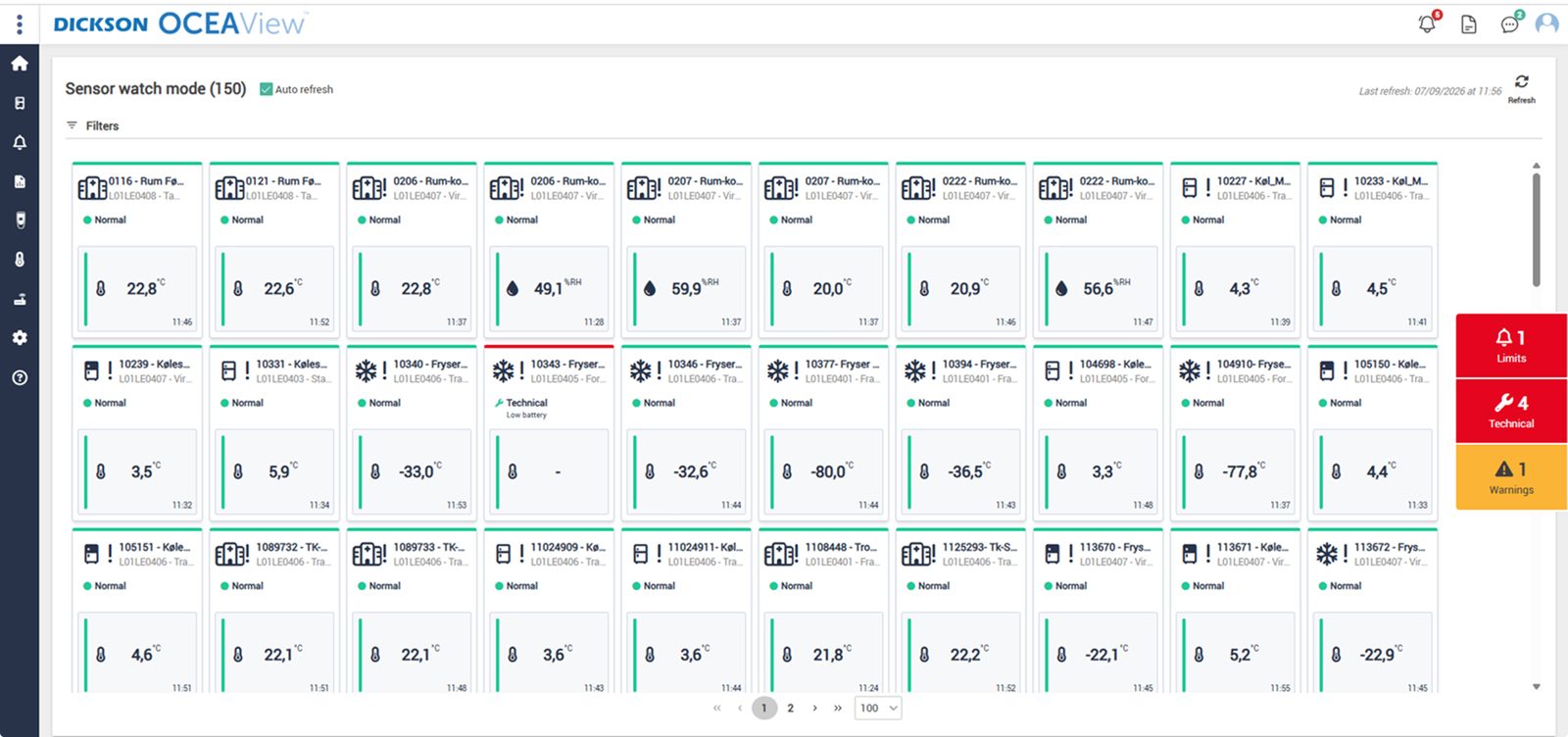
The whole setup on one screen. Watch mode gives a combined status overview of the equipment you have access to, with up to 100 units per page, and every graph can be zoomed down to the individual minute. Plan View also places the points on your own floor plan, so the person on call can see which room it concerns.

Audit trail that cannot be altered
Every reading, alarm and acknowledgement with timestamp and user. That is what an auditor asks for.

One-click reports
Choose a period and pull the report as PDF or CSV. Ready before anyone asks.
Cloud or your own servers
On-premises runs at your site with LDAP, and you control updates yourselves, so the qualification holds.
DICKSON
The manufacturer
Builds data loggers, sensors and OCEAView. French and American production, its own accredited calibration laboratories and CE, FCC and IC approved equipment.
Djurhuus IT
Distributor since 2018
We advise on placement, design the setup, install, set up alarms and on-call rotas, train your staff on the system and manage calibration afterwards.
You
Owner of the system
The system is yours. You set limits, response times and requirements according to your own SOPs. We supply the system and the documentation, carry out the validation, on our own or in close cooperation with you, and maintain it afterwards.
Frequently asked questions
How many pressure zones can one sensor cover?
A dual sensor measures two zones at the same time. A cascade with four zones is therefore typically handled with two sensors plus a data logger.
How do we avoid an alarm every time someone passes through the airlock?
With a delay on each alarm level. The pressure difference must be outside the limit for the number of seconds or minutes you decide before the alarm goes off.
Do we have to break through the cleanroom wall to run cables?
No. The data logger sits outside the zone and sends wirelessly to the gateway via LoRaWAN. A cable penetration in a cleanroom wall is a change that has to be documented, and you avoid that.
Can the system be connected to our CTS or BMS?
No. LoRa Alert Relay is a wireless dry contact relay that lets OCEAView trigger a single device, typically a siren or lamp you already have. It is not connected to an alarm system. Alerts to people go through OCEAlert.
Do you also measure particles?
Not directly. But a particle counter with an analogue output can be read via the Universal Smart-Sensor, so the counter sits in the same dashboard as pressure, temperature and humidity.
How often do pressure sensors need calibrating?
You define the interval yourselves based on your SOPs, typically every 12 months, like the other sensors. The system notifies you when the calibration is getting too old, and you choose the notice period yourselves.


Other areas in pharma
Same system, different requirements. See how we monitor the rest of the chain.
Pharmaceutical production
Temperature, humidity and pressure in production areas, process equipment and intermediate storage.
Read more →
Cell and gene therapy
Liquid nitrogen tanks, incubators and cleanrooms in one system.
Read more →
Temperature mapping
Documentation of where the sensors should be placed before the room is taken into use.
Read more →Kom hurtigt i kontakt med den rette specialist.
Vi hjælper med alt fra nye monitoreringsløsninger til kalibrering, validering og teknisk support.
Generelle henvendelser

Nye projekter
IT & teknik
Administration
Besøg os
Måløv Byvej 229
2760 Måløv
Ring til os
+45 72 22 02 05
Man-fre, 08-16
Fortæl os, hvad du har brug for.
Vil du se, hvordan det ser ud hos jer?
Book en gennemgang. Vi kommer forbi, ser på udstyr og lokaler og rådgiver om, hvor følerne skal sidde. Derefter får du et skræddersyet forslag. Uden forpligtelser.
Book en gennemgang