


One server, one platform per hospital
With an on-premises solution, which hospitals typically have, each hospital unit can have its own platform, all on the same server. If you want an overview at regional level, a dashboard can be set up across the platforms.
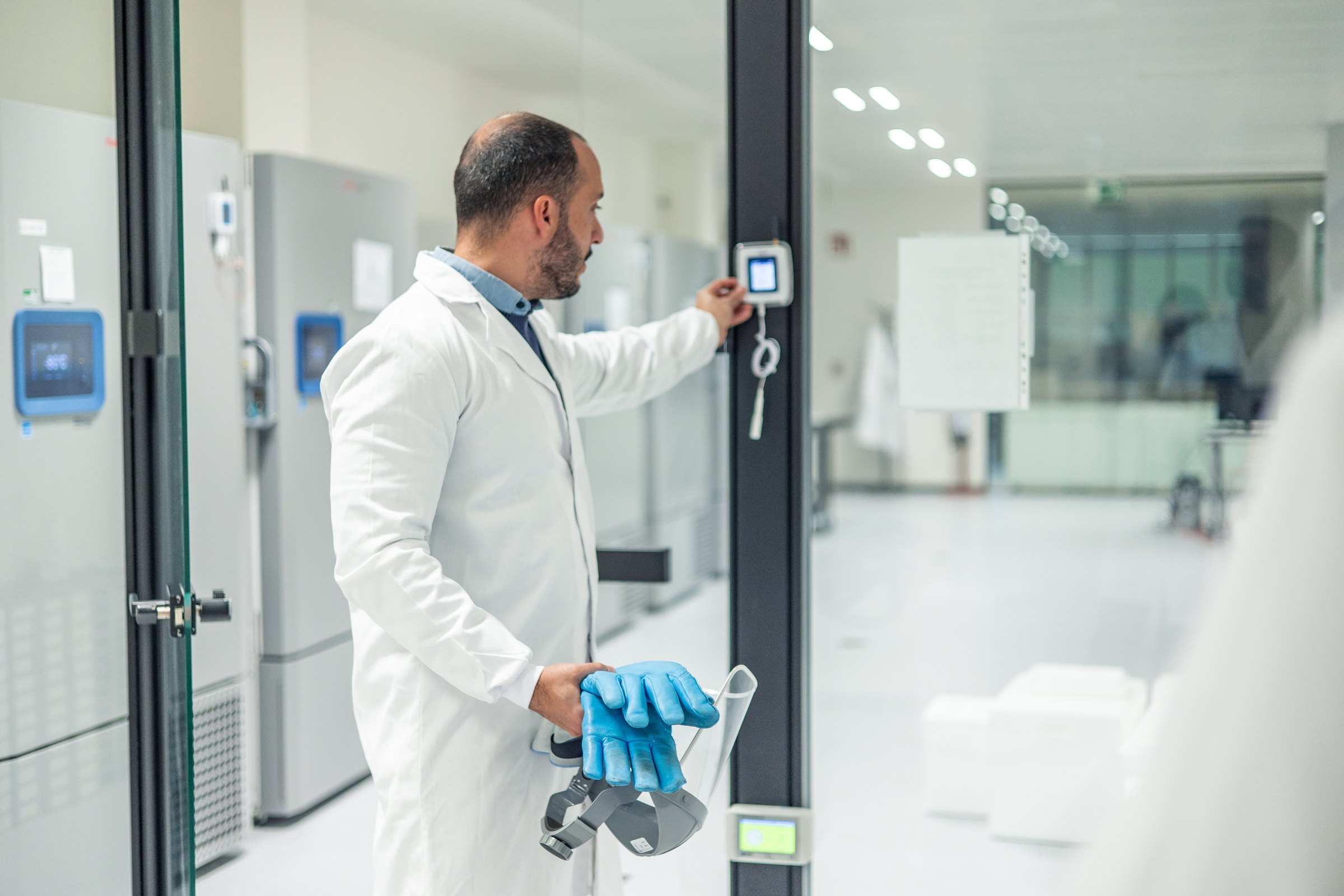
Can several hospitals share the same server?
Yes. With on-premises, each hospital unit can have its own platform, all on the same server. Several hospitals are typically not on the same platform. Access is controlled per user, so a biomedical scientist sees their own department's cabinets.
If the system runs on-premises, your LDAP is supported, so users are created and removed with the accounts you already have.
One gateway typically covers one building. On a site with several buildings, one gateway is installed per building, and they are all in the same system.
One gateway typically covers one building. On a site with several buildings, one gateway is installed per building, and they are all in the same system.
Twenty systems are not one overview
A region rarely buys monitoring all at once. It is bought department by department over many years, and the result is several different systems, several logins and several formats.
That works fine for the individual department. It does not work when someone has to answer how many measuring points the region has, how many were calibrated on time, or what happened across sites on 14 March.
One system does not solve this by taking control away from the departments. It solves it by giving them the same system, while a layer is added on top.

What a regional setup covers

Several sites
Each hospital as its own platform on the same server, with its own alarm recipients and its own limits.
OCEAView Cloud or on-premises
Access control
Permissions per user and per group. On-premises supports LDAP, so you use your own accounts.
LDAP integration
On-call rotas per department
The alarm goes to the people who can actually do something. A central on-call service can be added as the next step.
Escalation in OCEAView
Calibration across sites
If you want an overview at regional level, a dashboard can be set up across the platforms. From there you can see, among other things, which sensors across the whole region are due for calibration.
Calibration management
Reports per level
A report for a single cabinet, a department, a hospital or the whole region. Same format every time.
PDF and CSV
Rollout in stages
You do not have to take on everything at once. We start in one place and expand department by department.
Project managementOCEAView from DICKSON, set up and looked after by us
The hardware is DICKSON's. The software is DICKSON's. Everything between the equipment and your day-to-day work is ours. And once the system is in place, it is yours. You buy it, you own it, and no leasing agreement decides when you can switch, expand or stop. We take care of maintenance so it keeps running.
OCEAView
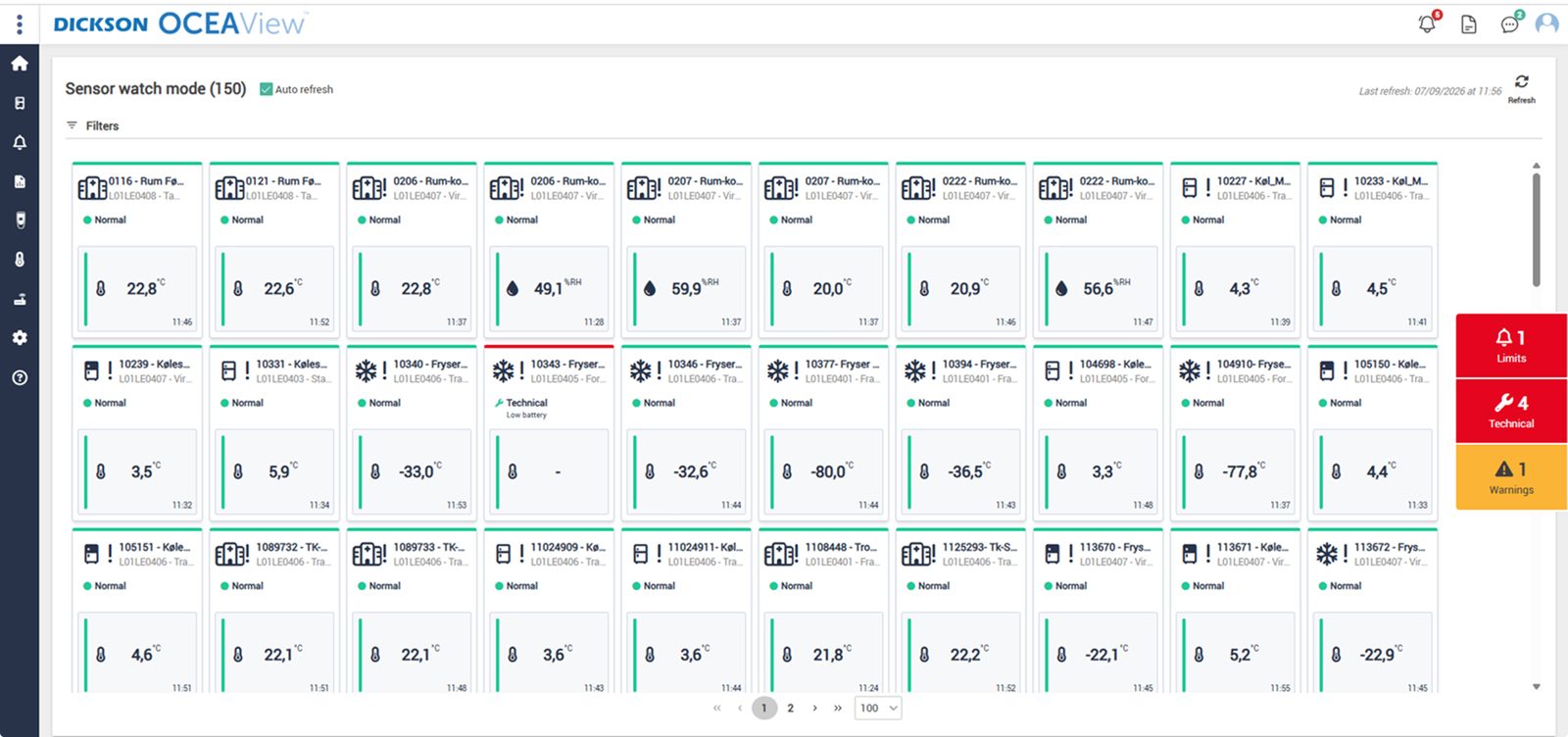
The whole setup on one screen. Watch mode gives a combined status overview of the equipment you have access to, with up to 100 units per page, and every graph can be zoomed down to the individual minute. Plan View also places the points on your own floor plan, so the person on call can see which room it concerns.

Audit trail that cannot be altered
Every measurement, alarm and acknowledgement with time stamp and user. That is what an auditor asks for.

Report in one click
Choose a period and pull the report as PDF or CSV. Ready before anyone asks.
Cloud or your own servers
On-premises runs at your site with LDAP, and you control updates yourself, so the qualification holds.
DICKSON
The manufacturer
Builds data loggers, sensors and OCEAView. French and American production, its own accredited calibration laboratories and CE, FCC and IC approved equipment.
Djurhuus IT
Distributor since 2018
We advise on placement, design the setup, install, set up alarms and on-call rotas, train your staff on the system and manage calibration afterwards.
You
Owner of the system
The system is yours. You set limits, response times and requirements according to your own SOPs. We supply the system and the documentation, handle the validation, on our own or in close collaboration with you, and maintain it afterwards.
Frequently asked questions
Can each department see only its own measuring points?
Yes. Measuring points are grouped by site, department and room, and access is controlled per user. A department sees its own cabinets, while you have the full overview centrally.
Can we use our own user login?
Yes, if the system runs on-premises. LDAP is then supported, and users are created and removed with the accounts you already have.
How many gateways are needed?
One gateway typically covers one building and handles up to 50 data loggers and 100 to 200 sensors. On a site with several buildings, one is installed per building, and they are all in the same system.
Can we add existing installations?
It depends on what equipment is already in place. We review it when we visit, and tell you honestly what can be reused and what cannot.
Do we have to roll out to the whole region at once?
No. We start in one place and expand department by department. The system is the same, so there is no cost to doing it in stages.
Who answers the phone when there are problems?
There are seven of us in Måløv. When you call, you reach someone who knows your installation, whichever site it concerns.




Departments in a regional setup
The same system covers every department. See how we monitor the individual areas.


Kom hurtigt i kontakt med den rette specialist.
Vi hjælper med alt fra nye monitoreringsløsninger til kalibrering, validering og teknisk support.
Generelle henvendelser

Nye projekter
IT & teknik
Administration
Besøg os
Måløv Byvej 229
2760 Måløv
Ring til os
+45 72 22 02 05
Man-fre, 08-16
Fortæl os, hvad du har brug for.
Vil du se, hvordan det ser ud hos jer?
Book en gennemgang. Vi kommer forbi, ser på udstyr og lokaler og rådgiver om, hvor følerne skal sidde. Derefter får du et skræddersyet forslag. Uden forpligtelser.
Book en gennemgang