


Monitoring in the laboratory
Refrigerators, freezers, warming cabinets, autoclaves and incubators. Plus all the third-party equipment that has its own alarm and its own display, but no shared log.
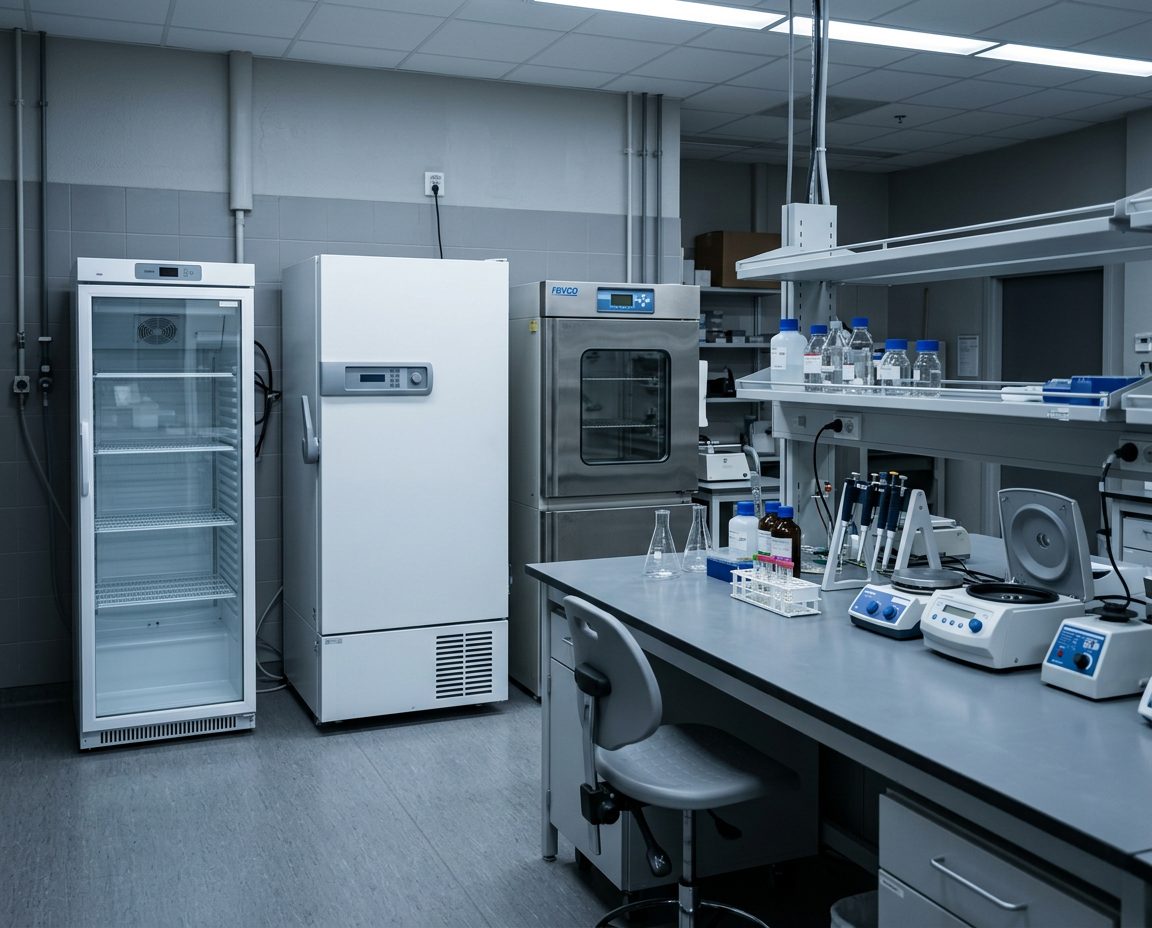
How do you monitor an entire laboratory in one system?
With a data logger at each piece of equipment and a sensor that suits the range. Emerald for refrigerators and freezers, Pt100 for ULT and for high temperatures in ovens and autoclaves, and a triple sensor for CO2 incubators. Equipment without a sensor is connected via its analogue output signal. Everything comes together in OCEAView, so the whole laboratory is on one screen.
One gateway typically covers the whole building and handles up to 50 data loggers and 100 to 200 sensors.
One gateway typically covers the whole building and handles up to 50 data loggers and 100 to 200 sensors.
Different devices with different alarms are not an alarm system
Most laboratories already have alarms. The freezer beeps, the incubator flashes, and the ultra-low freezer has a buzzer. The problem is that they only work when someone is in the room.
And each device has its own log, if it has one at all. If you need to document a week across ten devices, that is ten exports in ten formats.
A shared system does two things: the alarm reaches beyond the room, and the documentation is in one place in the same format.
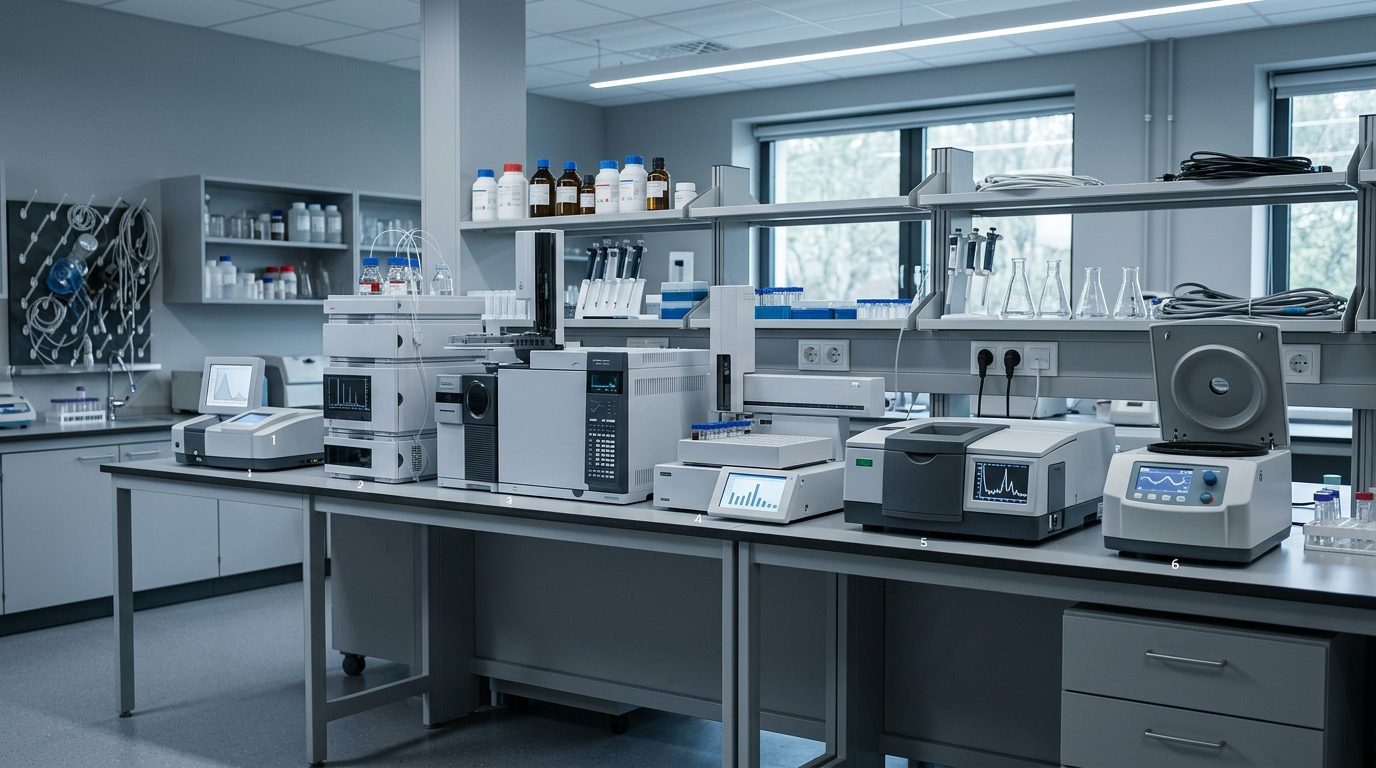
What we monitor in the laboratory

Refrigerators and freezers
From +2 to -30 degrees with an Emerald Bluetooth sensor in the cabinet. Colder than that, we use Pt100. An Emerald on the door shows whether a deviation is caused by an open door.
Emerald Bluetooth sensor + Cobalt X
ULT freezers
A ULT freezer runs at -80 degrees, so the sensor has to be designed for it. We typically use an Emerald with a Pt100 probe.
Pt100 Smart-Sensor
Warming cabinets and autoclaves
Up to +200 degrees. The same Pt100 principle, just at the other end of the scale.
Pt100 -100 to +200
Incubators
Temperature, humidity and CO2 in the same sensor, inserted through the access port.
Temperature, humidity and CO2 Smart-Sensor
Third-party equipment
Particle counters, oxygen monitors and cell production equipment via 4-20 mA, 0-5 V or 0-10 V.
Universal Smart-Sensor
Room conditions
Temperature and humidity in the laboratory itself, where it matters for samples and equipment.
Temperature and humidity sensorEquipment without a sensor can be included too
Most laboratory instruments have an analogue output signal. If the equipment can send out a signal, we can read it and put it in the same dashboard as everything else.
4-20 mA
The industry standard. A current signal between 4 and 20 milliamperes, where the value corresponds to the measuring range. Used by particle counters and oxygen monitors.

0-5 V and 0-10 V
A voltage signal instead of current. The same principle, and Universal Smart-Sensor reads both.

Dry contact
A simple on or off. Used for door opening, emergency power, air conditioning and alarm outputs on ULT freezers.
Why it matters
Without it, your cell production equipment, particle counters and oxygen monitors each have their own alarm and their own log. With it, they sit in the same dashboard, trigger the same escalation and are included in the same report when QA asks.
Read about third-party equipment →OCEAView from DICKSON, set up and looked after by us
The hardware is DICKSON's. The software is DICKSON's. Everything between the equipment and your day-to-day work is ours. And once the system is in place, it is yours. You buy it, you own it, and no lease agreement decides when you can switch, expand or stop. We handle the maintenance so it keeps running.
OCEAView
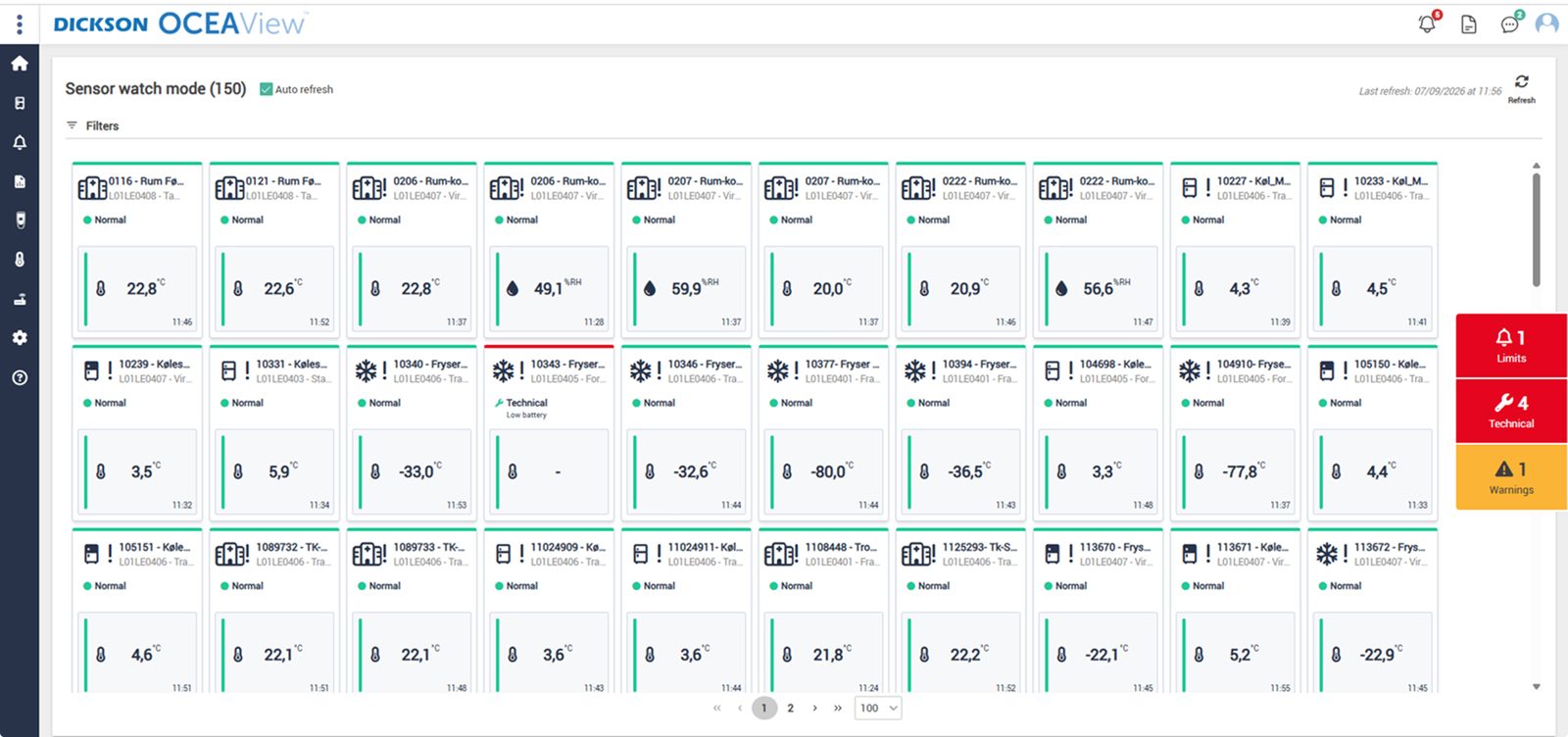
The whole setup on one screen. Watch mode gives a combined status overview of the equipment you have access to, with up to 100 units per page, and every graph can be zoomed down to the individual minute. Plan View also places the points on your own floor plan, so the person on call can see which room it concerns.

An audit trail that cannot be altered
Every measurement, alarm and acknowledgement with timestamp and user. That is what an auditor asks for.

Reports in one click
Choose a period and export the report as PDF or CSV. Ready before anyone asks.
Cloud or your own servers
On-premises runs on your site with LDAP, and you control updates yourselves, so the qualification holds.
DICKSON
The manufacturer
Builds data loggers, sensors and OCEAView. French and American production, its own accredited calibration laboratories and CE, FCC and IC approved equipment.
Djurhuus IT
Distributor since 2018
We advise on placement, design the setup, install, set up alarms and on-call rotas, train your staff in the system and manage calibration afterwards.
You
Owner of the system
The system is yours. You set limits, response times and requirements according to your own SOPs. We supply the system and the documentation, handle validation, on our own or in close collaboration with you, and maintain it afterwards.
Frequently asked questions
Can we monitor just some of the instruments?
Yes. The system is scalable and is expanded one instrument at a time, so it is easy to add new equipment later. Many start with what would hurt most to lose.
What if our equipment already has an alarm?
Then it stays. A shared system does not replace the instrument's own alarm, it makes sure the alarm also reaches beyond the room, and that the measurements are stored somewhere you can document from.
How many data loggers do we need?
One per piece of equipment as a starting point. A Cobalt X can handle up to four measuring points, so two refrigerators side by side can share a logger.
Can we monitor particle counters and oxygen monitors?
Yes, via their analogue output. Universal Smart-Sensor reads 4-20 mA, 0-5 V and 0-10 V.
Do we need Wi-Fi for it?
No. LoRaWAN runs on its own network via the gateway. Wi-Fi is an option if IT prefers the devices on your own network.
How often do the sensors need calibrating?
You define the interval yourselves based on your SOPs, typically every 12 months. The system notifies you when a sensor's calibration is about to expire, and you choose the notice period yourselves. The certificate is retrieved directly from the sensor.




Other hospital departments
Same system, same dashboard. See how we monitor the rest of the hospital.
Kom hurtigt i kontakt med den rette specialist.
Vi hjælper med alt fra nye monitoreringsløsninger til kalibrering, validering og teknisk support.
Generelle henvendelser

Nye projekter
IT & teknik
Administration
Besøg os
Måløv Byvej 229
2760 Måløv
Ring til os
+45 72 22 02 05
Man-fre, 08-16
Fortæl os, hvad du har brug for.
Vil du se, hvordan det ser ud hos jer?
Book en gennemgang. Vi kommer forbi, ser på udstyr og lokaler og rådgiver om, hvor følerne skal sidde. Derefter får du et skræddersyet forslag. Uden forpligtelser.
Book en gennemgang